White-Box AI Pentest: Why Reading the Source Code Makes Dynamic Testing Dramatically Smarter
Pentestas Team
Security Analyst
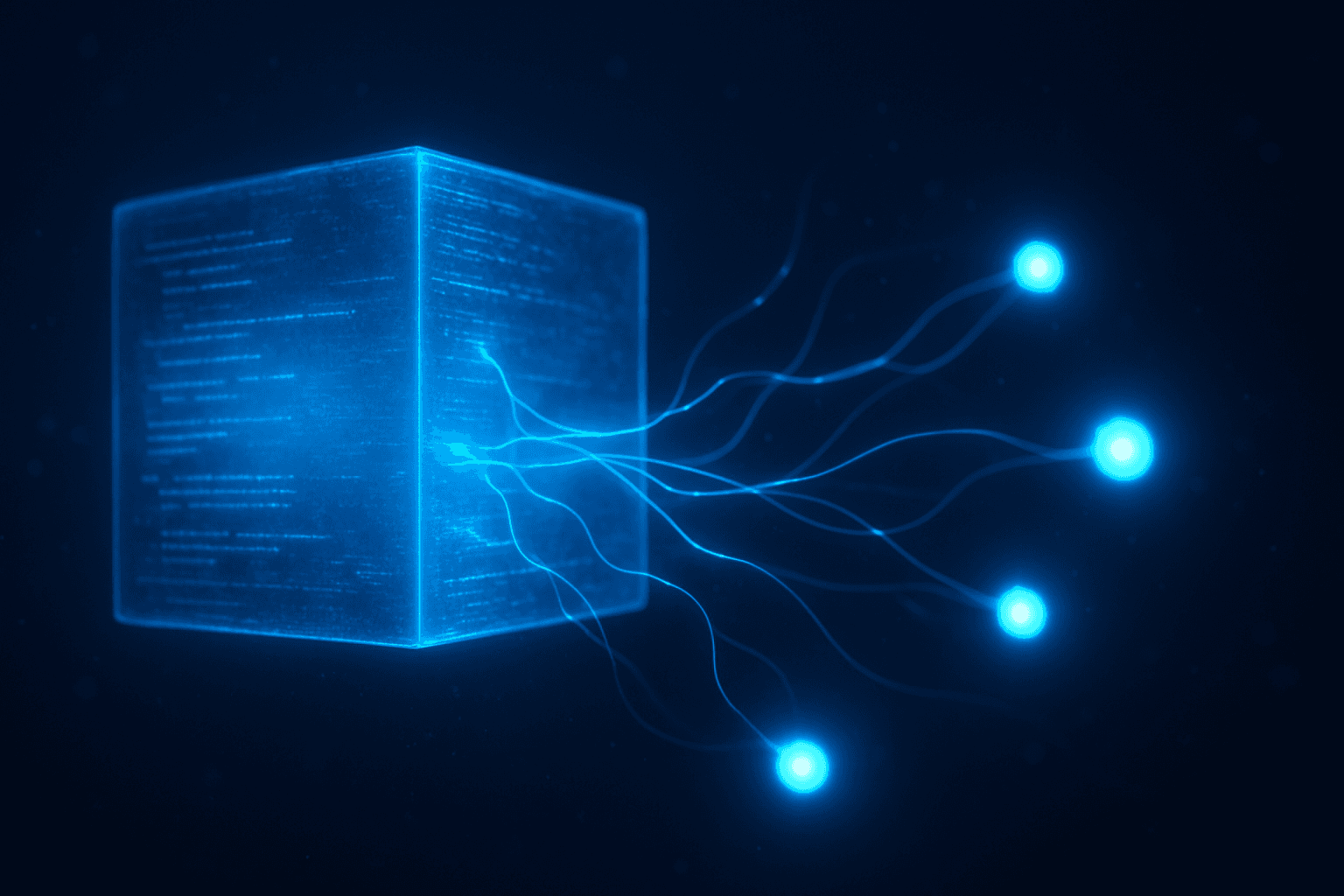
Give Pentestas source access. Every downstream specialist gets a complete map.
That's what Pentestas's source-code-aware mode does.
Get Started
The asymmetry between black-box and white-box
Look at a single SQL-injection candidate for a moment. A black-box scanner can tell you:
- The endpoint accepts a
searchparameter. - The error response looks like it might be SQL-adjacent.
- A time-based payload produces a ~2s delay.
It can't tell you:
- Whether the query uses parameterisation or string concatenation.
- Which database type is on the other end.
- Whether the same codebase has an identical pattern on a different endpoint that the scanner didn't reach.
- Whether a partial sanitisation in a shared middleware would filter your specific payload.
That missing context is the difference between a 30-minute triage ("is this real?") and a three-minute fix ("yes, src/db/queries.ts:42 builds the SQL via template string").
White-box AI pentesting closes the gap by pre-computing that context once, then feeding it into every subsequent analyst agent.
How It Works
How Pentestas does it
Stage 1: Source-Code Intelligence Specialist
A dedicated Opus-tier Claude agent reads your repo. Inputs:
- Repo path (local) or shallow-cloned tarball (from git URL, 500 MB cap).
- A pre-computed file inventory sorted by size (helps the agent pick what to read without burning tokens on tree-walking).
- The target URL (so it can correlate routes to paths in the code).
The agent runs a rigorous methodology captured in the prompt: framework fingerprint, attack-surface catalogue, auth + session model, authorization map, input sinks, secrets, dangerous patterns, prioritised focus areas for dynamic testing, and a flat list of critical files. Output is saved to <repo>/.pentestas/source_code_intel.md.
Stage 2: Intelligence briefing to specialists
The intel file is attached to the scan's config JSONB and handed to every downstream agent:
- The **Reconnaissance agent*correlates code-level insights with live-browser observation. If the code says a route exists at
/api/admin/userswith anrequireAdminmiddleware, and the live probe returns 200 with a regular-user token, the discrepancy is a CRITICAL finding instantly.
- The **five vulnerability specialists*(Injection / XSS / SSRF / Auth / Authz) each read the relevant section of the intel. The Injection specialist doesn't have to guess whether queries are parameterised — it's in the intel. The XSS specialist doesn't have to guess which template engine auto-escapes — it's in the intel. The Authz specialist gets a pre-mapped list of every endpointits authorization check (or absence thereof).
- The **exploitation agentsreceive hypotheses plusthe source-code pointer. A SQLi that's confirmed by a time-based oracle in the black-box scan becomes a finding that also says "the sink lives at
src/db/queries.ts:42, line containingSELECTFROM users WHERE name = ${name}". Your engineer fixes the bug in thirty seconds rather than thirty minutes.
Stage 3: Findings with traceability
Every validated finding produced in a source-code-aware scan ships with a source-code-line citation in addition to the usual HTTP request + response evidence. Your incident triage process gets two artefacts per finding:
- The proof-of-exploit HTTP trace (for "is this real?").
- The exact source-code location (for "where do I fix this?").
In Detail
The three modes
Mode A: No source code (black-box)
Default. Same scan Pentestas has always shipped. Good baseline. Misses the findings that require code-level context to reach.
Mode B: Source-code intelligence only
Supply a repo. The source-code analyst runs at scan-start and produces the intelligence deliverable. Downstream specialists consume it. Dynamic testing proceeds as usual, but with much better targeting.
Mode C: Full white-box + dynamic
Same as Mode B, but downstream findings include source-code citations. Every finding carries both "the live endpoint returned X when given payload Y" and "the vulnerable code is at path:line".
Mode C is the recommended default for any scan where you have source access.
How It Works
How to enable
From the API
POST /api/scans
{
  "target_url": "https://app.example.com",
  "repo_url": "https://github.com/acme/ecommerce.git",
  "scan_types": [...]
}
From a YAML config
description: "Rails e-commerce, PostgreSQL, Devise auth"
authentication:
  login_type: form
  login_url: "https://app.example.com/login"
  credentials:
    username: "audit@example.com"
    password: "***"
  success_condition: {type: url_contains, value: /dashboard}
source_code:
  repo_url: https://github.com/acme/ecommerce.git
From the CLI
pentestas start -u https://app.example.com -r /path/to/local/repo -c scan.yamlThe CLI's -r flag supports both an absolute path (local repo) and a git URL (shallow-cloned in-memory).
Security
Privacy + security
- **Read-only*— the repo is mounted read-only. Pentestas never modifies your code.
- **Shallow clone*— depth 1. No history. Only the current state is analysed.
- **Size cap*— 500 MB enforced. Rogue or accidentally-huge repos fail fast.
- **No buildno execute*— analysis is pure static reading. No
npm install, nopip install, no running your tests. - **Cleanup*— temp clones are deleted at scan-end. Local repo paths are never modified.
- **Encryption at rest*— when the intel is persisted to the scan's config JSONB, it's tenant-Fernet-encrypted alongside every other sensitive field.
- **No training*— inputs to the Anthropic API are sent with the no-training flag. Your source never becomes training data.
By Industry
Industry fit
Fintech
A fintech platform's attack surface is usually 80% API. A black-box API scan misses the middleware chain that determines which endpoints accept which roles. White-box mode reads the middleware chain once, produces the complete endpoint-to-role map, and hands it to the Authz specialist — which routinely catches IDORs and role-confusion bugs that the black-box mode wouldn't have found because the adjacent endpoint wasn't reachable from the crawl root.
Medtech
Medtech codebases often have audit-trail code that a black-box scanner can't see. White-box mode catches missing audit-log writes on sensitive-data endpoints (HIPAA requires them) and flags them as findings. It also catches the classic "this endpoint has a requireAuthenticated middleware but not a requireOwnership check" pattern — a nearly-invisible authz bug from the outside that's obvious in the code.
Legaltech
Legal platforms tend to have complex document-access rules: org-level, matter-level, user-level. Every check adds a line to the auth chain. White-box mode maps the full auth chain and produces specific authz hypotheses for each rule layer — "does the /api/matters/{mid}/documents/{did} endpoint check both matter-membership AND document-read-permission, or just one?" The Authz specialist fires probes for both; the code citation tells your engineer which middleware is missing.
Banks
Banks have the largest + oldest codebases. The white-box analyst handles scale well — it can read a ~500K LOC repo (with sub-repo walking, shallow-clone filtering, and binary-blob exclusion) and produce a focused intelligence file in a single Opus call. Legacy code patterns that scanners miss — handcrafted SQL builders, bespoke auth middleware, custom crypto — all get flagged. Because the analyst also extracts the exact line number, remediation is surgical: fix the string-concat query at src/billing/queries.py:117 rather than refactor the whole billing service.
Insurance
Underwriting apps often have conditional workflow logic that only executes for specific policy types. Black-box scanners won't trip these conditionals; white-box mode reads them statically and flags which branches the Reconnaissance specialist should prioritise exploring. Combined with scan-as-you-browse, the result is dramatic coverage of edge-case underwriting flows — exactly where the most exploitable bugs hide.
Tiers
Model tier
Source-code analysis is the one phase in Pentestas that requires the large tier (Opus 4.6 by default). A 100K+ token codebase benefits from strong long-context reasoning that Haiku and Sonnet can't match on this task. Tier is overridable via ANTHROPIC_LARGE_MODEL; see Model tiers.
Cost Breakdown
Cost
White-box mode adds ~15–30 minutes to a scan (the source-code analyst step) and ~$0.50–$3 in LLM cost per scan depending on repo size. For mid-size SaaS it's invisible. For very large monorepos (>100MB after exclusions), the large-tier call is the dominant cost driver; contact your account manager for dedicated enterprise quotas.
Setup
Setup — from zero to first white-box scan
# 1. Install the CLI (once)
pip install httpx
curl -fsSL https://install.pentestas.com/cli | bash

# 2. Authenticate (once)
pentestas login

# 3. Run your first white-box scan
pentestas start \
  -u https://staging.example.com \
  -r ~/work/ecommerce \
  -c ./scan.yaml \
  -w 1h
Scan history persists per verified-domain; the source-code intel gets re-used on rescan if the repo hasn't changed (checksum match).
Run a white-box AI pentest
Sign up, verify your domain, point Pentestas at your repo. Findings with line-number citations in under an hour.
Start your AI pentestMore Reading
Further reading
- Source-code-aware scans — full product docs
- AI specialist agents — what the downstream agents do with the intel
- AI penetration testing explained — the umbrella methodology
In Pentestas's daily pipeline
The technique above runs inside Pentestas — an AI penetration testing system delivered as pentesting-as-a-service that exposes the same primitives to operators via Forge, Volley, the OAST callback host, and a per-scan capture corpus. Our penetration testing with Claude routing handles narrative reasoning and finding triage; our penetration testing with DeepSeek routing handles bulk verification and exploit-DB matching. Either backend lands findings in the same dedupe pipeline, the same accuracy gate, and the same Big-4-style PDF report — so a B2B SaaS pentest produces the same evidence quality whichever model touched it.
For teams new to penetration testing with AI, the platform's free tier (10 verified-domain scans per month) is enough to validate the approach against your own stack before committing to a paid plan.
- YAML-Driven Pentest: Reproducible AI Scans for Complex Auth + 2FA Targets
- Source-Aware SAST: Reading the Code So the Scanner Knows Where to Look
- Scan-as-You-Browse: Real-Time AI Pentest for Every Page Your Team Loads
- Subdomain Enumeration + Attack-Surface Monitoring: Finding the Forgotten Subdomain That Kills You

Alexander Sverdlov
Founder of Pentestas. Author of 2 information security books, cybersecurity speaker at the largest cybersecurity conferences in Asia and a United Nations conference panelist. Former Microsoft security consulting team member, external cybersecurity consultant at the Emirates Nuclear Energy Corporation.