Internal Network Pentest Without a Consultant: The Pentestas Linux Agent
Pentestas Team
Security Analyst
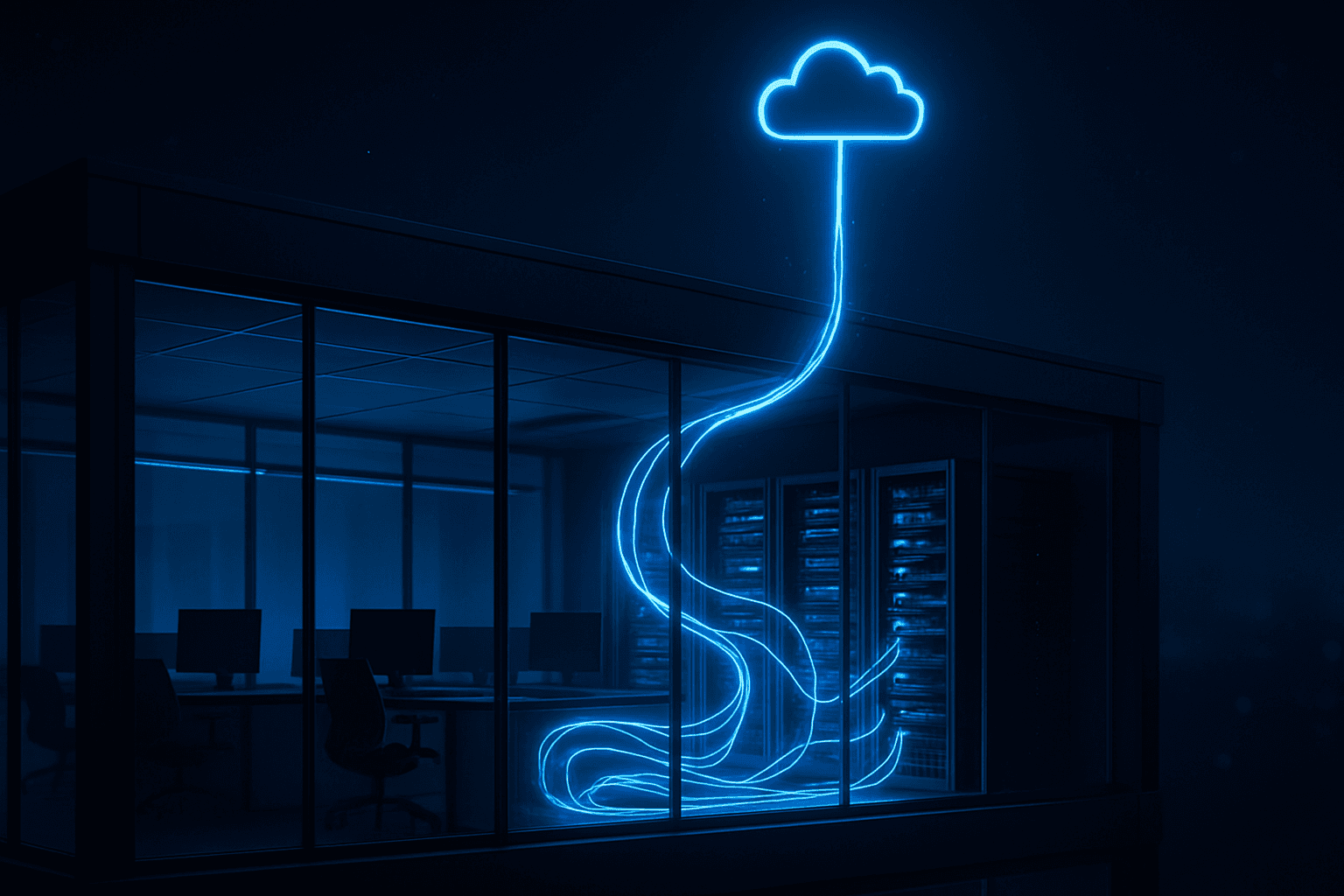
The agent runs inside your network. One outbound WebSocket. Zero inbound ports.
Security
The problem with "cloud-only" security scanning
Every cloud-native security scanner has the same fundamental limit: it can only reach targets it can hit from the public internet. Your intranet apps on RFC-1918 address space are structurally invisible. Either you:
- Pay for an on-prem scanner that lives inside your network (licencehardwareoperating cost).
- Pay a consultant to come on-site once a year and do it manually.
- Rely on self-service vuln scans that your engineers run occasionally and that nobody triages.
- Don't test these apps at all.
Option 4 is the industry norm. The admin panel at 10.0.0.5 that runs some bespoke internal tool has probably never seen a competent pentest since the day it went live.
How It Works
How the Pentestas agent closes the gap
A Pentestas agent is a small process that runs inside your environment (a workstation, a container, a VM in your VPC). It opens a single outbound WebSocket to wss://app.pentestas.com/api/agents/ws/<key> — no inbound ports, firewall-friendly. Through that WebSocket the agent:
- Announces its capabilities (web scan, network scan, browser capture) when it connects.
- Receives jobs dispatched from the Pentestas platform (reconnaissance, scan specific target, run server scan against 10.0.0.0/24, open browser capture session).
- Streams findings, logs, and progress back to the platform in real time.
- Heartbeats every 30 seconds so the platform knows it's alive.
Everything the AI pipeline does on the cloud side still runs cloud-side — the specialist agents, the attack-chain synthesiser, the report renderer, the findings DB. The agent's job is to be the execution endpoint for targets the cloud can't reach. Same ai pentest, different network location.
In Detail
Deployment model
Install
curl -fsSL https://app.pentestas.com/agent/install.sh \
  | sudo bash -s -- --key pa_YOUR_KEY
The installer:
- Creates
/opt/pentestas-agent/with an isolated Python virtualenv. - Installs
websockets,httpx,cryptography, and (optionally)mitmproxyfor browser-capture mode. - Writes a chmod-0600 config file holding the agent key.
- Installs a systemd unit (
pentestas-agent.service) withProtectSystem=strict,NoNewPrivileges=true, andPrivateTmp=true. - Enablesstarts the service.
Verify
systemctl status pentestas-agent
journalctl -u pentestas-agent -f
You should see connected to wss://app.pentestas.com/api/agents/ws within five seconds. In the web UI, the agent's status row flips from Pending → Connected.
Security guarantees
- **Tenant scope*— the agent key (
pa_<48-random-chars>) belongs to exactly one tenant. A leaked key gets zero in any other workspace. - **IP allowlist*— the WebSocket is only accepted from pre-declared source IPs. Every agent has a list; every connection attempt is checked.
- **Disable / delete*— admins can disconnect a running agent immediately. The backend drops the WS, GCs the key, and refuses future connects.
- **Outbound-only*— no listening ports, no RPC socket, no shell. If the platform needs to tell the agent something, it goes via the WebSocket. If the agent dies, nothing remains.
- **systemd hardening*— the unit file sets strict sandboxing; the Python process can't write anywhere except its own state directory.
- **At-rest protection*— the agent key lives in a chmod-0600 env file readable only by the dedicated
pentestassystem user.
The Breakdown
What it tests
Three modes, controllable per-agent:
Web app scan (on an internal URL)
Same ai pentest pipeline as the public scans — reconnaissance → specialist analysis → exploitation → chain synthesis → report. Just with traffic originating from the agent host.
curl -X POST https://app.pentestas.com/api/agents/<agent_id>/scan \
  -H "X-API-Key: aa_..." \
  -d '{"target_url": "https://internal-admin.corp.local", "scan_types": ["web", "api"]}'
Network / server scan
Port scan, banner grab, CVE lookup, protocol-specific checks (SSH / TLS / RDP / SMB / FTP / SNMP / LDAP) across a hostname, IP, or CIDR. Optional brute-force against common defaults for Pro+ plans.
curl -X POST https://app.pentestas.com/api/agents/<agent_id>/server-scan \
  -H "X-API-Key: aa_..." \
  -d '{"targets": ["10.0.0.0/24"]}'
Browser capture
If the agent host has a browser installed and the agent was installed with --with-browser, it runs an embedded mitmproxy + spawns the user's installed Firefox / Chrome / Edge with a temp profile trusting a Pentestas-generated CA. Captured traffic streams to the platform for active testing. Same scan-as-you-browse model the .NET Windows agent uses, on Linux hosts.
By Industry
Industry playbooks
Banks + financial services
The canonical use case. A bank runs hundreds of internal admin panels — core banking dashboards, fraud-investigation consoles, loan-approval workflows, customer-service-rep interfaces. Most never face the public internet; all contain sensitive data; most haven't been pentested outside the annual on-site engagement. Deploy Pentestas agents on build hosts or pen-test VMs, point them at each internal app, and run continuous ai penetration testing against the internal surface the same way you already do against the public surface. Evidence for the regulator: scan history per target, per finding, per chain. Evidence for internal audit: continuous-testing attestation mapped to the bank's internal control framework (often FFIEC, OCC, or PRA-aligned).
Insurance
Policy-administration systems, claims-adjudication platforms, underwriter workstations, actuarial modelling tools — all internal, all sensitive. Agents on two or three ops-team laptops cover the typical internal-app surface. Pentestas's multi-tenant model means each underwriting-platform subsidiary can have its own agent key, its own IP allowlist, its own scoped findings — useful for large carriers with a federated business structure.
Medtech / healthcare
HIPAA's Security Rule requires "periodic technical evaluation" — but the biggest PHI exposure in a typical healthtech organisation is often the internal tools (caregiver chat apps, patient-matching systems, prescription-review dashboards) that the public pentest doesn't cover. A Pentestas agent on a build host runs nightly ai pentest scans against these targets and produces the evidence a HIPAA auditor actually needs: named tests, dated findings, tracked remediation.
Fintech (corp-operations + admin)
The public API pentest tends to get all the attention; the internal fraud-management console and the back-office payment-investigation tool tend to get none. Both are fatter targets than the public API for an insider attacker. Pentestas agents close the gap without a new consulting engagement — nightly ai pentest on the internal admin surface, findings in the same dashboard as the public pentest.
Legaltech
Law firms and legaltech SaaS have two internal attack surfaces worth testing: the e-discovery / document-management admin, and the billing / finance admin. Both contain sensitive data; both often run on internal-only hosts; both historically see a pentest every other year at best. Agent-based continuous testing replaces the "we do a manual review on request" posture with a continuous one.
In Detail
Scaling
Plans cap agent count:
| Plan | Agents |
|---|---|
| Free | — |
| Pro | 3 |
| Enterprise | Unlimited |
Large enterprises typically deploy 5–25 agents: one per data centre, one per major internal app, one per VDI pool. Dispatch is per-agent — when you launch a scan, you pick which agent runs it. Chains + findings from multiple agents land in the same tenant's dashboard, de-duplicated where relevant.
In Detail
Alternatives we get compared against
"We already have a vuln scanner on a VM"
You probably do. Almost every enterprise has a legacy Nessus / Qualys / Tenable appliance somewhere. These tools are good at CVE checks against known-version services; they're not an ai pentest. Pentestas agents + the cloud AI pipeline produce findings those tools cannot — chained multi-step exploits, mass-assignment bugs, IDORs that require adjacent-ID probing, JWT forging, business-logic bypasses. Treat Pentestas as complementary; run both.
"Our red team handles this"
Excellent red teams exist. They don't scale to 200 internal apps. Red-team engagements are high-signal, low-frequency. Continuous ai pentest is the opposite — lower-per-engagement depth than a red team, but continuous coverage. Most security programmes need both.
"We pay a consultant once a year to come on-site"
Fine. One annual on-site pentest is a hard floor for most compliance regimes. The question is whether the remaining 364 days are covered. Pentestas agents bridge that gap at a fraction of the cost-per-week.
In Detail
CI integration
The agent supports the same job model as the cloud. Scheduled scans in the platform UI can dispatch through a specific agent:
Scans → Schedule → Target: https://internal-admin.corp.local
                    Agent: corp-fra-01
                    Cadence: Daily 03:00 UTC
                    On CRITICAL: Slack webhook → #secops
Or trigger from CI against an agent-dispatched target:
pentestas start -u https://internal.corp.local -a corp-fra-01 -w 45mGet Started
Try it
If you have five minutes and a Linux box inside the network you want to scan:
- Web UI → Settings → Agents → New → IP allowlist your public IP → copy the
pa_key. - SSH into your target host. Run the install one-liner.
- Back in the web UI, watch the agent go Connected.
- Dispatch a scan against any internal URL the agent can reach.
- Findings stream into the same dashboard you use for public scans.
Deploy your first Pentestas agent
Register, create an agent key, and start scanning internal targets in under 10 minutes.
Start your AI pentestMore Reading
Further reading
- Agents overview — variants and capability matrix
- Linux agent install — full systemdDocker setup
- Windows .NET agent — scan-as-you-browse on Windows
- Attack chain synthesis — what the backend does with what your agent captures
How Pentestas runs this in production
Everything above is shipped as part of Pentestas — a pentesting-as-a-service platform built around an AI penetration testing system that orchestrates dozens of deterministic detectors alongside an LLM-driven planner and reflector. Our penetration testing with Claude pipeline handles the audit-trail-grade reasoning (causal chains, evidence weighting, narrative attack paths) while our penetration testing with DeepSeek pipeline handles high-volume parallel coverage at the kind of unit cost that lets us re-run a full B2B SaaS pentest weekly without burning the customer's annual budget on a single engagement.
If you're evaluating a vendor for penetration testing with AI, the questions worth pressing on are exactly the ones this post walks through — accuracy gating, replay verification, payload safety, evidence chains, retest cadence. Those are what separate a real pipeline from a wrapper around a public LLM.
- Scan-As-You-Browse: The Windows Agent That Tests Internal Apps From Inside Your Network
- The Python Linux Agent: Continuous Pentest Behind Your Corporate Firewall
- Pentestas for Fintech: AI Penetration Testing That Satisfies PCI DSS 4.0 Without Slowing Your Ship Cadence
- Scan-as-You-Browse: Real-Time AI Pentest for Every Page Your Team Loads

Alexander Sverdlov
Founder of Pentestas. Author of 2 information security books, cybersecurity speaker at the largest cybersecurity conferences in Asia and a United Nations conference panelist. Former Microsoft security consulting team member, external cybersecurity consultant at the Emirates Nuclear Energy Corporation.