Pentest Reports That Every Stakeholder Will Actually Read — PDF, DOCX, HTML, JSON
Pentestas Team
Security Analyst
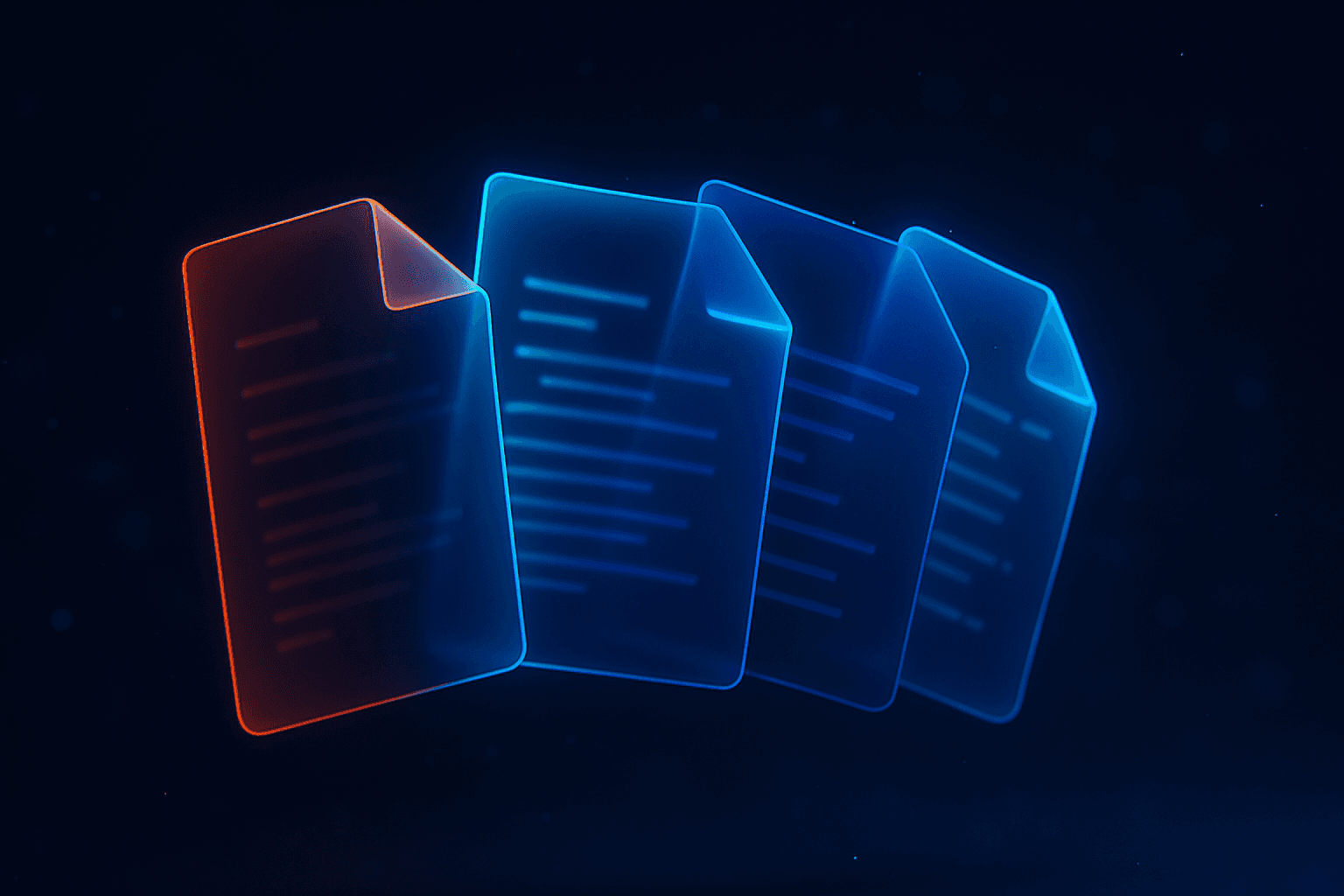
One scan, four tailored outputs. Every stakeholder gets a format they'll open.
The Pentestas reporting model ships four formats from every scan, each tuned to a specific audience. A single run of ai penetration testing produces all four. Nobody has to re-format the report to get the version their stakeholder needs.
In Detail
Format 1 — HTML (always generated)
Every completed scan produces a rendered HTML report automatically, served from the scan detail page and linkable via https://app.pentestas.com/reports/<scan_id>.html.
Audience: engineers, incident response, everyone who wants fast in-browser access.
What's in it:
- Live scan detail page with filterable finding list (sort by severity, filter by verified, etc.).
- Attack chain mindmap — the single most-viewed artefact in the typical scan.
- Per-finding drill-downs with proof-of-exploit request/response, CVSS vector, CWEOWASP mapping, validation steps, Exploit-DB matches, AI narrative.
- Embedded evidence — HTTP traces, screenshots, body excerpts.
Why HTML wins for engineers: copy-paste-able. When your engineer fixes a SQLi, they don't need to re-type the payload from a PDF — they copy it from the HTML report into their test harness. Friction-free.
In Detail
Format 2 — PDF (on demand)
Generated on Export report → PDF. ~30 seconds to render a typical scan's PDF.
Audience: CEO, CISO, board, audit committee, anyone who reads things on airplanes.
What's in it:
- Cover page with report metadata, tenant branding, signature block (Enterprise).
- Executive summary — findings-count-by-severity, top 3 attack chains with combined impact, overall risk rating.
- Per-chain page with stage-by-stage explanationremediation priority.
- Per-severity finding list (CRITICAL first) with proof-of-exploit excerpts.
- Appendix with stack fingerprint, scope boundaries, glossary of vulnerability classes.
Why PDF still matters: sharing with third parties (regulators, customers doing vendor due-diligence, board packets) is massively easier with a paginated format. A SOC 2 auditor doesn't click through a dashboard; they annotate PDFs. Enterprise customers can custom-brand the PDF (logo, primary colour, cover page text, footer confidentiality notice) so external-facing reports look like first-party deliverables.
In Detail
Format 3 — DOCX (on demand)
Generated on Export report → DOCX.
Audience: consultancies delivering Pentestas scans as part of paid engagements; compliance teams that edit reports before distribution.
What's in it: the same content as the PDF, but fully editable. Section headings, tables, and paragraphs land in Word structure. Consultancies typically:
- Open the DOCX.
- Replace the Pentestas logo with their own.
- Add a "Methodology" section describing their engagement approach.
- Edit executive-summary wording to fit the client's vocabulary.
- Export to a custom-branded PDF for the client.
Why DOCX matters for consultancies: billable hours are spent on the parts that add value (custom context, client-specific recommendations), not on re-typing finding details. Pro+ tier includes branded DOCX templates for this exact workflow.
API
Format 4 — JSON (on demand or via API)
Fetched from GET /api/scans/{scan_id}/report?format=json. Instant (no render time).
Audience: SIEM / Jira / ServiceNow / GitHub Security tab integrations; your own dashboards; long-term diff tracking.
What's in it: full finding + chain + metadata schema, machine-readable, stable across releases.
Schema sketch:
{
  "scan": { "id", "target_url", "status", "started_at", "completed_at", ... },
  "findings": [
    { "id", "vuln_type", "severity", "title", "cvss_score", "cvss_vector",
      "endpoint", "evidence", "payload_used", "cwe_id", "owasp_category",
      "validation_steps", "exploit_candidates", "ai_narrative", "ai_impact",
      "verified", "source_code_location", ... }
  ],
  "chains": [
    { "id", "title", "severity", "combined_impact", "stages": [...] }
  ],
  "metadata": { "stack_fingerprint", "scope_boundaries", "scan_duration" }
}
Why JSON matters: computable. Diff two scans to compute "new findings vs. fixed findings"; feed into your SIEM for cross-scan trend reporting; generate Jira tickets via a webhook; light up GitHub Security tab via SARIF export (format=sarif).
In Detail
SARIF export — bonus
SARIF (Static Analysis Results Interchange Format) is the JSON schema GitHub's Security tab expects. Pentestas exports directly:
GET /api/scans/{scan_id}/report?format=sarifUpload to GitHub via actions/upload-sarif@v3 in CI and every finding lights up in the repo's Security tab with file-level annotation (when source-code-aware mode ran).
By Industry
Industry-specific format playbooks
Fintech
CFO/CEO — PDF. Annual report reading. Skims executive summary + risk rating. Branded with company logo, not Pentestas logo.
Auditor (PCI QSA) — PDF + JSON. PDF for the evidence packet; JSON for the assessor's own database that tracks findings across the twelve-month window.
AppSec team — HTML. Daily operations.
SIEM — JSON via webhook. Every scan completion fires a webhook into Splunk / Sentinel / Datadog; findings join the broader security event timeline.
Medtech + healthtech
Compliance officer — PDF. HIPAA-aligned evidence packet. Attestation of technical-safeguard testing.
HHS / OCR — PDF. If an investigation happens, the PDF is the cleanest external-facing artefact.
Engineering — HTML. Day-to-day triage.
Risk registry — JSON. Medtechs with a mature risk-registry tool (GRC Archer, LogicManager, etc.) ingest JSON on every scan.
Legaltech
Enterprise client — PDF. Under NDA, on request, as part of vendor due-diligence. Often annotated with Pro+ custom branding showing the legaltech platform's logo + confidentiality text.
Internal AppSec — HTML. Daily triage.
Automation — JSON. Ticket creation via Jira integration.
Banks + financial services
Regulator (DORA, NYDFS, OCC) — PDF. Mandatory. Retained for 7 years on Enterprise tier.
Internal risk committee — PDF + HTML. PDF for minutes; HTML for real-time review during the meeting.
Board packet — PDF excerpt. Only the executive summary + top attack chains go to the board; engineering-level detail stays at the manager level.
SIEM — JSON via webhook. Continuous ingestion.
Insurance
Reinsurer / broker — PDF. Attestation of security posture during annual renewal.
Internal cybersecurity committee — PDF. Quarterly review.
State regulator — PDF. On request (NYDFS 500, CCPA-related inquiries).
Automation — JSON. Policy-admin-system integrations, claims-system integrations.
In Detail
Branding (Pro+)
Pro+ customers can fully white-label the rendered reports:
- **Logo*— PNG or SVG, ≤2 MB. Appears on the coverevery page header.
- **Primary colour*— hex. Applied to headings, severity pills, cover-page accent.
- **Cover page titlesubtitle*— override the defaults.
- **Footer*— on every page. Often: "Confidential — prepared by Acme Security"an engagement ID.
- **Contact block*— nameemailphone on the cover.
- **Signature*— Enterprise customers can include a signed attestation block.
Branding applies to new reports; historical reports retain their original branding (for audit-trail stability).
In Detail
Per-engagement overrides
For consultancies: each scan can export with different branding than your default. The Export → Customize dialog lets you pick a client logo + cover text for a single export without changing your tenant's baseline branding.
In Detail
Delivery automation
Reports ship automatically on scan completion via:
- **Email*— rendered HTML inlinedPDF attached to a recipient list.
- **Slack*— rich message with severity breakdownlink to the scan.
- **Webhook*— full JSON payload to any HTTPS URL. See Webhooks.
Wire any combination in Settings → Notifications.
In Detail
Retention
- **HTML*— stored for the scan's retention period (365 days Free, 3 years Pro, unlimited Enterprise).
- **PDF / DOCX*— regenerated on demand; no persistent storage unless you configure delivery.
- **JSON*— computed on demand from the live finding DB, always current.
Enterprise customers with multi-year retention obligations can export + archive PDFs to their own WORM storage (immutable backups) with a simple webhook.
In Detail
A note on PDF generation quality
PDF generators vary widely. Pentestas renders via a headless Chromium pipeline with a tuned stylesheet — every table renders cleanly, code blocks keep monospace alignment, page breaks avoid splitting findings mid-section. Your auditor won't see the "rendered from an earlier PDF generator" artefacts (text running off the page, broken ligatures, orphan headings) that plague most security-tool PDFs.
In Detail
See it
Run any Pentestas scan. The HTML is instant. Click Export report and pick PDF for the 30-second render. Pick DOCX for the editable deliverable. Pick JSON for the machine-readable dump. Feed JSON into your downstream automation.
Run a scan and see all four formats
Pro plan includes custom branding + unlimited format exports.
Start your AI pentestMore Reading
Further reading
- Report formats docs
- Custom report branding
- Scheduled report delivery
- Webhooks — event-driven delivery
Where this fits in a Pentestas engagement
Pentestas operates as a pentesting-as-a-service platform — an AI penetration testing system that turns the patterns in this post into runnable, repeatable detectors against your stack. Every engagement carries a verifiable evidence chain (so SOC 2, PCI-DSS, ISO 27001 auditors get the proof they need without manual screenshot wrangling), and a transparent model-routing posture: penetration testing with Claude for the reasoning-heavy steps, penetration testing with DeepSeek for the high-throughput steps. A B2B SaaS pentest under this model is reproducible across releases — the same scan run pre-launch and post-launch produces directly comparable deltas.
If your team is weighing whether penetration testing with AI is mature enough to replace one of your annual manual engagements, the practical answer for most B2B SaaS products is: yes, for surface-area coverage; supplement with a focused human red-team pass on the highest-risk flows.
- One PDF Per Domain in a Bulk Scan — and How to Re-Group on the Fly
- B2B SaaS Pentest: What It Is, What It Costs, and When You Actually Need One
- Internal Network Pentest Without a Consultant: The Pentestas Linux Agent
- Scheduled Scans with Diff Mode: Get Notified Only When Something New Appears

Alexander Sverdlov
Founder of Pentestas. Author of 2 information security books, cybersecurity speaker at the largest cybersecurity conferences in Asia and a United Nations conference panelist. Former Microsoft security consulting team member, external cybersecurity consultant at the Emirates Nuclear Energy Corporation.