Web Application Penetration Testing: What It Is, Why You Need It, and How to Get Started
Pentestas Team
Security Analyst

💫 Key Takeaways
- Web application penetration testing is a manual, expert-driven assessment that simulates real attacker techniques against your application — fundamentally different from automated vulnerability scanning
- The OWASP Top 10 (injection, broken access control, cryptographic failures, etc.) provides the baseline, but business logic testing is where the most impactful findings emerge
- Automated scanners catch roughly 30–40% of vulnerabilities that manual testing finds — they miss authorization flaws, logic errors, and multi-step attack chains entirely
- A typical web app pentest costs $5,000–$20,000 and takes 2–3 weeks, depending on application complexity and number of user roles
- Every engagement should include multi-role testing — testing with different user privilege levels to verify horizontal and vertical access controls

An e-commerce company we tested last year had passed automated security scans with flying colors for three consecutive years. Their development team even ran OWASP ZAP as part of their CI/CD pipeline. When they engaged us for their first manual penetration test, we found a critical Insecure Direct Object Reference (IDOR) vulnerability within the first two hours: by changing the order ID in a URL, any logged-in customer could view, modify, or cancel any other customer's orders.
The automated scanner never flagged this because it couldn't understand the business context. It saw a valid HTTP 200 response with correctly formatted data. It had no way to know that the data belonged to a different user. Only a human tester, logged in with two separate accounts and systematically swapping identifiers, could discover and verify this flaw.
This is the fundamental value proposition of web application penetration testing: human intelligence applied systematically to find the vulnerabilities that exist in the gap between how your application is supposed to work and how it actually works under adversarial conditions.
What Gets Tested
What Web Application Penetration Testing Actually Covers
A comprehensive web application penetration test examines every layer of your application where vulnerabilities can exist. Here's what each testing area involves:
Authentication mechanisms. How your application verifies user identity: login flows, password reset processes, multi-factor authentication implementation, session management, token handling, OAuth/SSO integration, and account lockout policies. We test for credential stuffing resilience, session fixation, token predictability, and MFA bypass techniques.
Authorization and access control. The most critical category. We verify that each user can only access their own data and perform actions appropriate to their role. This means testing every function with multiple user accounts: can a regular user access admin panels? Can User A view User B's profile? Can a "viewer" role modify data through direct API calls? We test both horizontal access control (same role, different users) and vertical access control (different privilege levels).
Input handling and injection. Every input field, URL parameter, HTTP header, and cookie value is tested for injection vulnerabilities: SQL injection, Cross-Site Scripting (XSS — stored, reflected, and DOM-based), command injection, Server-Side Request Forgery (SSRF), XML External Entity (XXE) injection, template injection, and LDAP injection. Modern frameworks mitigate many of these by default, but edge cases, legacy code, and custom implementations frequently introduce exploitable flaws.
Business logic. The testing area that delivers the highest-value findings and cannot be automated. We analyze your application's workflows and test for logic flaws: Can a user manipulate pricing in a shopping cart? Can they skip steps in a multi-stage process? Can they exploit race conditions in payment processing? Can they abuse promotional features beyond their intended limits? These tests require understanding your business domain, which is why they're performed manually by experienced engineers.
Session management. How your application creates, maintains, and destroys user sessions: cookie security attributes (Secure, HttpOnly, SameSite), session timeout policies, concurrent session handling, session invalidation after password changes, and cross-site request forgery (CSRF) protection on state-changing operations.
Client-side security. For modern single-page applications (React, Angular, Vue), we examine client-side routing, local storage usage, client-side access control (which must never be trusted as the only control), WebSocket connections, postMessage handlers, and third-party script inclusion risks.
Security configuration. HTTP security headers (Content-Security-Policy, X-Frame-Options, Strict-Transport-Security), TLS configuration, CORS policy, error handling (information disclosure through stack traces), directory listing, default credentials on admin interfaces, and unnecessary HTTP methods.

Real-World Impact
The OWASP Top 10 Mapped to Business Consequences
The OWASP Top 10 is useful as a framework, but what matters to business stakeholders is impact. Here's how the most common web application vulnerabilities translate to actual business damage:
| Vulnerability | Technical Risk | Business Impact |
|---|---|---|
| Broken Access Control | Unauthorized data access, privilege escalation | Customer data breach, regulatory fines, class-action lawsuits |
| SQL Injection | Full database compromise, data exfiltration | Complete data loss, IP theft, GDPR/HIPAA violations up to $4M+ |
| Stored XSS | Session hijacking, credential theft, malware delivery | Customer account takeover, brand damage, legal liability |
| SSRF | Internal network access, cloud metadata exposure | Cloud account takeover, lateral movement to production systems |
| Business Logic Flaws | Process manipulation, financial fraud | Direct financial loss, fraudulent transactions, competitive damage |
Notice that the highest-impact vulnerabilities — broken access control and business logic flaws — are exactly the categories that automated scanners are worst at detecting. This is why manual penetration testing exists: the vulnerabilities that cause the most damage are the ones that require human reasoning to discover.

The Critical Difference
Automated Scanning vs. Manual Penetration Testing
This is the most important distinction in application security, and the one most frequently misunderstood. Both approaches have value, but they test fundamentally different things:
| Dimension | Automated Scanning (DAST) | Manual Penetration Testing |
|---|---|---|
| Speed | Hours to run, minutes to configure | 1–3 weeks of expert analysis |
| Cost | $100–$500/scan (or free with open-source tools) | $5,000–$20,000+ per engagement |
| Best at finding | Known vulnerability signatures, missing headers, misconfigurations, reflected XSS | Authorization flaws, business logic errors, chained exploits, stored XSS |
| Cannot find | IDOR, BOLA, privilege escalation, business logic flaws, race conditions | Nothing it can't find, but it's slower and costlier than scanning for known signatures |
| False positives | High (30–70% depending on tool and application) | Near zero (findings are manually verified with proof-of-concept) |
| When to use | Every sprint/release as part of CI/CD | Annually, before major launches, for compliance, after architecture changes |
The best approach is both. Automated scanning provides continuous, broad coverage for known vulnerability patterns. Manual penetration testing provides deep, expert analysis of the vulnerabilities that only human reasoning can find. They're complementary, not competing. Running a scanner does not replace a penetration test, and a penetration test once a year does not replace continuous scanning between engagements.
The Process
The Web Application Penetration Testing Lifecycle
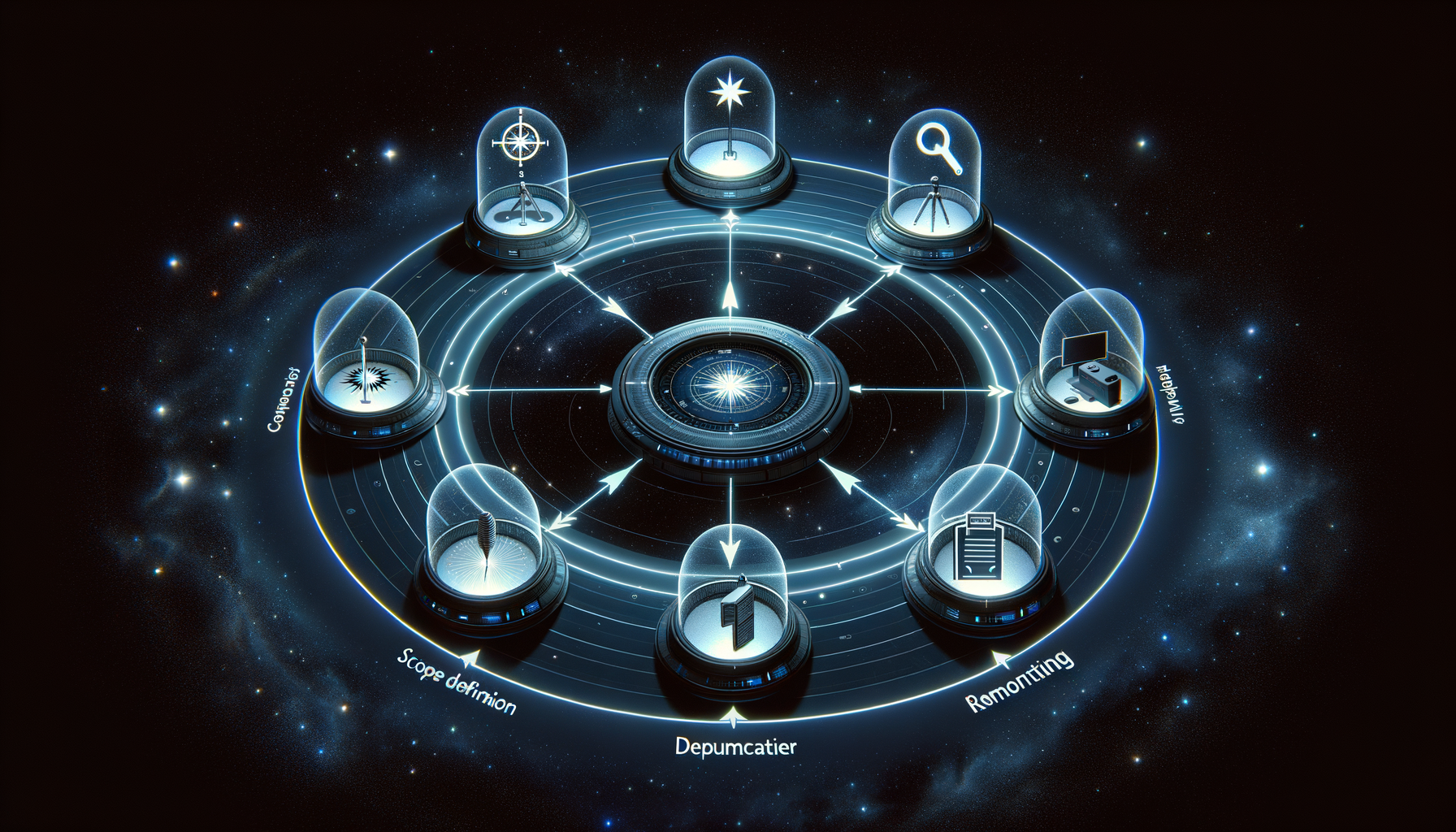
A professional web application penetration test follows a structured process from initial scoping through final retesting. Here's what to expect at each stage:
Stage 1 — Scoping (1–3 days before testing). The provider reviews your application architecture, discusses target URLs, user roles, and authentication mechanisms, identifies sensitive functionality and data types, confirms testing environment (staging vs. production), and delivers a fixed-price proposal. A quality provider asks thorough questions at this stage — if they don't, they'll either undertest or hit you with scope changes later.
Stage 2 — Reconnaissance (Day 1–2). The tester maps the application's attack surface: crawling pages and forms, analyzing JavaScript for hidden endpoints, reviewing client-side code for API calls, identifying technologies in use, and building a comprehensive sitemap. This phase is critical because it determines the completeness of everything that follows.
Stage 3 — Active Testing (Day 2–8). The core of the engagement. The tester systematically works through the application, testing every input, every function, and every authorization boundary using the methodologies described in the previous section. Critical and high-severity findings are reported immediately via the agreed communication channel.
Stage 4 — Reporting (Day 8–10). The tester documents all findings with reproduction steps, evidence screenshots, CVSS severity scores, business impact analysis, and specific remediation recommendations. The final deliverable typically includes an executive summary for leadership and a detailed technical report for the development team.
Stage 5 — Findings Walkthrough. A live call where the testing team walks your developers through each finding, explains the exploitation technique, and answers questions about remediation approaches. This knowledge transfer is often the most valuable part of the engagement because it builds your team's internal security awareness.
Stage 6 — Remediation and Retesting. Your development team fixes the findings. Once fixes are deployed, the testing team re-examines each vulnerability to verify the fix is effective and hasn't introduced new issues. This retesting should be included in the engagement cost.
Case Study
How a Chain of Low-Severity Findings Led to Full Account Takeover
A SaaS platform for HR management engaged us for their annual web application penetration test. Their previous provider had tested the application two years in a row, finding only low and medium severity issues each time. Management assumed their application was relatively secure.
During our assessment, we found several individual findings that would each be classified as low or medium severity in isolation. But chained together, they created a critical attack path:
Finding 1 (Low): The application's error responses contained slightly different timing for valid vs. invalid email addresses during login, allowing user enumeration.
Finding 2 (Medium): The password reset flow used a 6-digit numeric token with no rate limiting on the verification endpoint.
Finding 3 (Low): Password reset tokens remained valid for 72 hours instead of the industry-standard 15–30 minutes.
Finding 4 (Medium): After password reset, existing sessions were not invalidated, meaning the original user's active session could coexist with the attacker's new session.
The chain: Enumerate valid email addresses (Finding 1) → Trigger password reset for a target user → Brute-force the 6-digit token within the 72-hour window (Findings 2+3 combined: 1 million possible codes, no rate limit) → Reset the password and gain access while the original user remains logged in and unaware (Finding 4).
Why the previous provider missed this: Each finding was documented in isolation and classified as low or medium. No one connected the dots to see the attack chain. This is a common pattern with providers who use checklist-based approaches — they find individual issues but don't think like attackers who combine weaknesses to achieve objectives. The best penetration testers don't just find bugs; they find attack paths.

Getting Started
How to Prepare and Choose the Right Provider
Prepare your application: Document all user roles and their intended permissions. Provide test accounts for each role (ideally two per role for horizontal access testing). Prepare a staging environment that mirrors production data structure. Compile a list of any areas that are explicitly out of scope (third-party integrations, specific pages under active development).
Evaluate providers on substance, not sales: Request a sample report. If it reads like an automated scanner output (generic recommendations, no proof-of-concept screenshots, no business context), that's what you'll get. Ask how they test for IDOR and BOLA — these are the most impactful vulnerability classes and require manual expertise. Ask if they perform business logic testing and how they approach it for applications in your industry.
Set realistic timelines: A thorough web application penetration test takes 2–3 weeks including reporting. If a provider promises results in 3 days for a complex application, they're running a scan. Add 2–4 weeks for your development team to remediate findings, plus 3–5 days for retesting. Plan for 6–8 weeks from engagement start to verified remediation.
Budget appropriately: A quality web application penetration test costs $5,000–$20,000 depending on complexity. If this seems high, consider that the average cost of a web application data breach exceeds $4.5 million. The pentest is a fraction of a percent of the potential damage it prevents. If budget is limited, focus on your highest-risk application first — the one that handles the most sensitive data or faces the most users.
Ready to Test Your Web Application?
We provide thorough, manual-first web application penetration testing with fixed pricing, immediate critical finding notification, and complimentary retesting. Our reports include developer-friendly remediation guidance with code examples for your specific tech stack.
Get a Free Web App Security AssessmentIn Pentestas's daily pipeline
The technique above runs inside Pentestas — an AI penetration testing system delivered as pentesting-as-a-service that exposes the same primitives to operators via Forge, Volley, the OAST callback host, and a per-scan capture corpus. Our penetration testing with Claude routing handles narrative reasoning and finding triage; our penetration testing with DeepSeek routing handles bulk verification and exploit-DB matching. Either backend lands findings in the same dedupe pipeline, the same accuracy gate, and the same Big-4-style PDF report — so a B2B SaaS pentest produces the same evidence quality whichever model touched it.
For teams new to penetration testing with AI, the platform's free tier (10 verified-domain scans per month) is enough to validate the approach against your own stack before committing to a paid plan.
- SaaS Penetration Testing: Why Multi-Tenant Platforms Need Specialized Security Testing
- Network Penetration Testing: External, Internal, and Active Directory Attack Simulation Explained
- Cloud Penetration Testing vs. Cloud Security Assessment: Which Does Your Organization Need?
- API Penetration Testing: The Complete Guide to Securing REST, GraphQL, and gRPC Endpoints

Alexander Sverdlov
Founder of Pentestas. Author of 2 information security books, cybersecurity speaker at the largest cybersecurity conferences in Asia and a United Nations conference panelist. Former Microsoft security consulting team member, external cybersecurity consultant at the Emirates Nuclear Energy Corporation.